
Automated triage for the app support inbox
The Itaú and Itaú Personnalité app support inboxes take a high volume of customer messages. I built the flow that reads, classifies and routes each one, turning loose text into a queryable base.
- Client
- Itaú
- Sector
- Large bank
- Period
- 2026
- Role
- Product and data
 Power Automate
 Copilot
 Outlook
 Excel
Excel
Corporate work under NDA. I describe scope and method, with no outcome figures and no customer data. The screenshots show only the flow structure.
The context
App support inboxes take customer messages all day: bug reports, questions, suggestions, critical complaints. It all lands in the same place, as free text, written the way people actually talk.
Reading and classifying that by hand is work that never ends. And it consumes exactly the team that should be fixing the problem, not cataloguing it.
What was at stake
Two costs that compound:
Operational cost. Manual triage does not scale. The more the app grows, the more people are needed just to read.
Information cost. What the customer writes is the best product signal there is. With no structure, thousands of messages become a dead archive instead of a map of where the product hurts.
How it works
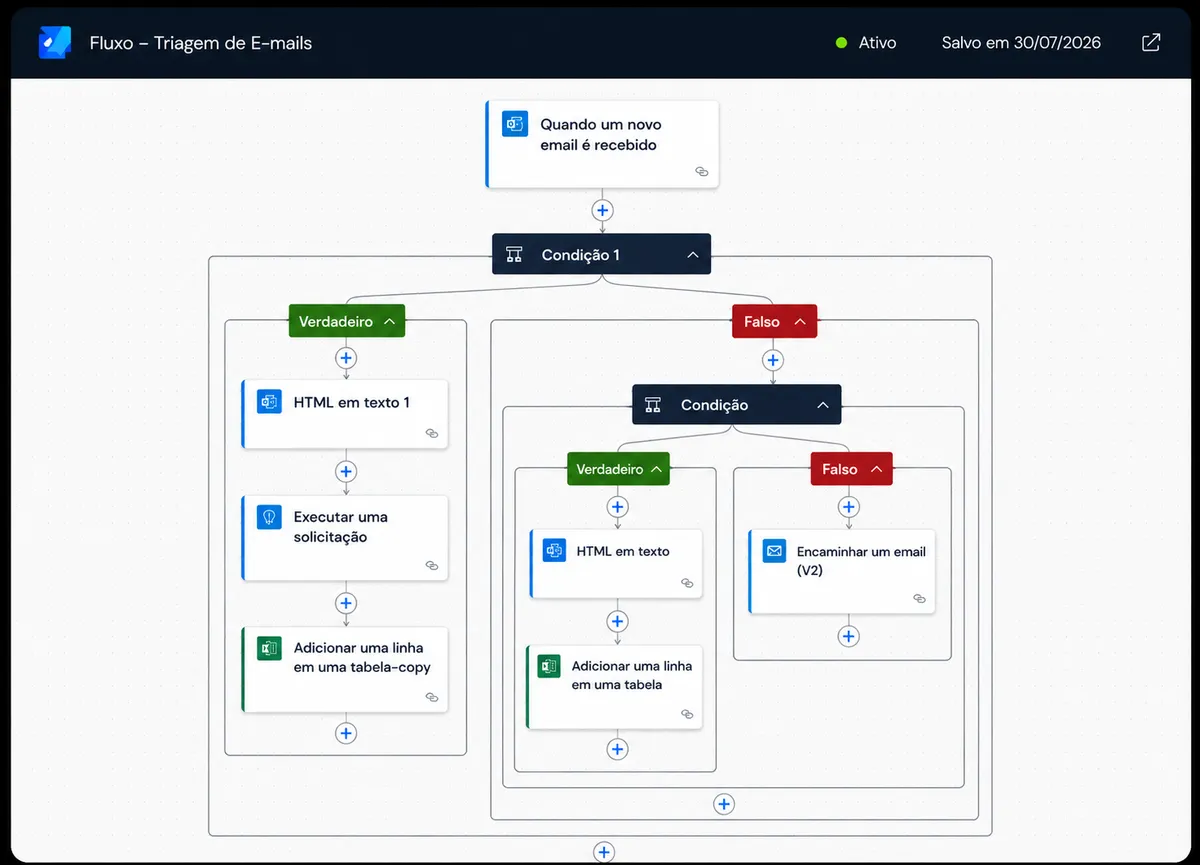
The flow fires on every message received, interprets the content and picks a path. It is not a keyword filter: customers do not write the way a system expects, and rigid rules break on the first variation.
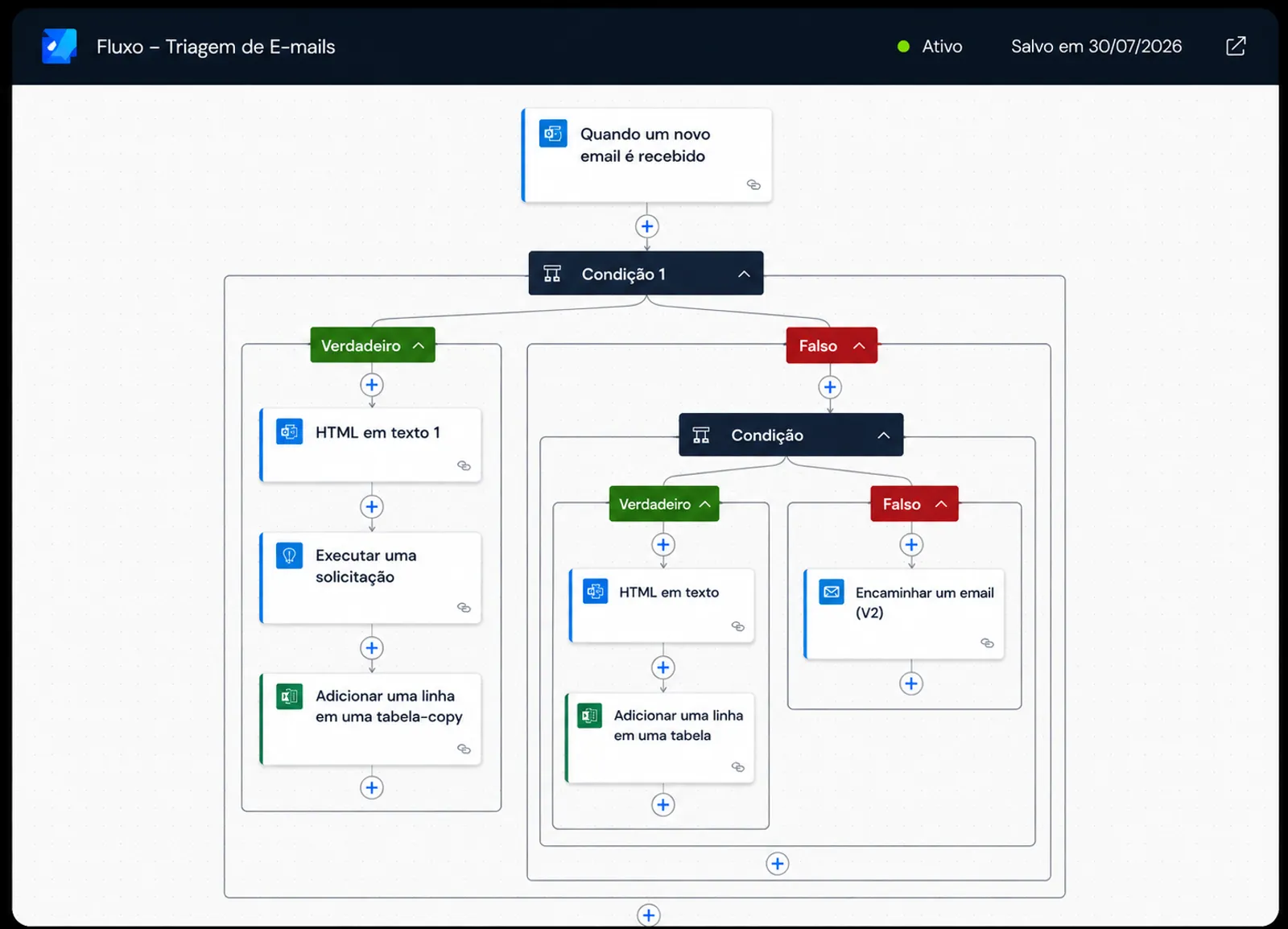
Reading. The message is converted from HTML to clean text before any decision. It sounds like a detail, but it is what keeps signatures and email footers from contaminating the classification.
Classification. A language model interprets the content and assigns a type: technical failure, experience friction, suggestion, urgency.
Branching. A clear case goes straight to structured logging. An ambiguous one goes to a human. That split is the single most important decision in the whole design.
Logging. Every handled message becomes a row in a table with the fields already extracted. That is what turns loose text into a queryable base.
Result
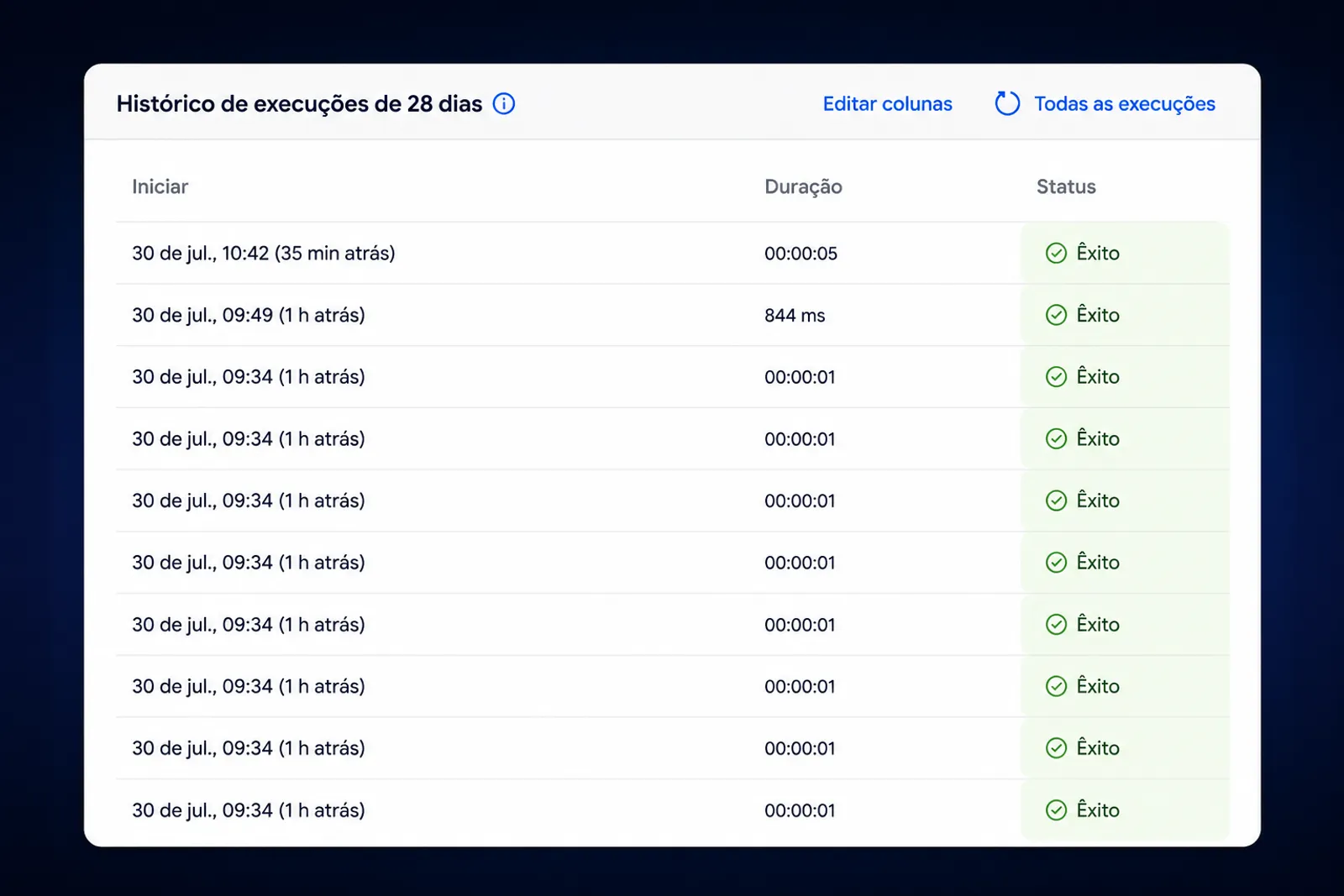
Triage process indicators, comparing the month before automation with the month after:
| Indicator | Before | After |
|---|---|---|
| Daily manual triage time | ~3h | ~20min |
| Messages classified per day | ~15 | full volume |
| Time until a message reaches the right team | up to 1 day | minutes |
| Queryable customer-voice base | did not exist | continuous |
What I learned
The bigger gain was not the time saved on triage. It was the by-product: by turning messages into data, the operation gained a continuous map of the customer voice that used to exist only as the intuition of whoever read most.
The second lesson is about failure. In LLM automation the hard part is not classifying, it is deciding what to do with the uncertain case. A flow that fails silently is worse than manual triage, because nobody notices. The rule that stuck is simple: when in doubt, escalate to a human, and log the doubt.